
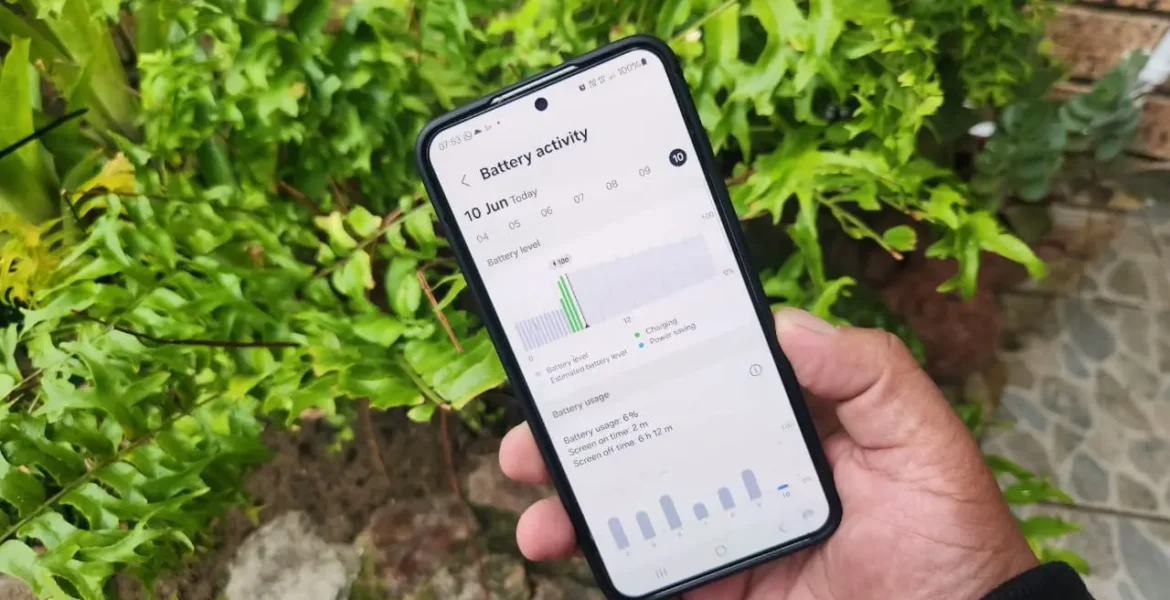
These tips will help you make it to the next charge, even if it’s a long way off.
If you find yourself in a situation where it’s difficult to charge your smartphone — for example, on a hike or a long road trip — it’s important to minimize battery consumption as quickly as possible. The first thing you need to do is turn on power saving or ultra-saving mode, if it’s available in the battery settings. This will automatically limit the work of background applications, reduce screen brightness and refresh rate, disable synchronization and other unnecessary processes.
Next, you need to manually disable everything you’re not currently using: mobile Internet, Wi-Fi, Bluetooth, NFC — and especially GPS. Navigation is one of the main “eaters” of battery. Even if you don’t launch maps, applications like the camera, social networks, or weather can access geolocation in the background. This is unnoticeable, but it quickly drains the phone. If you’re not tracking your route, turn off GPS completely.
The screen is the second most important factor. Reduce brightness to minimum, disable auto-brightness, set a short screen-off time.
Check running resource-intensive applications: games, YouTube, navigators, camera. If they are not needed, it is better to unload them from the background, leaving basic functions: calls, messages, notes. As a last resort, you can turn on airplane mode – especially if you just use the phone as a camera or reader, and you do not need communication. This will significantly reduce energy consumption.