
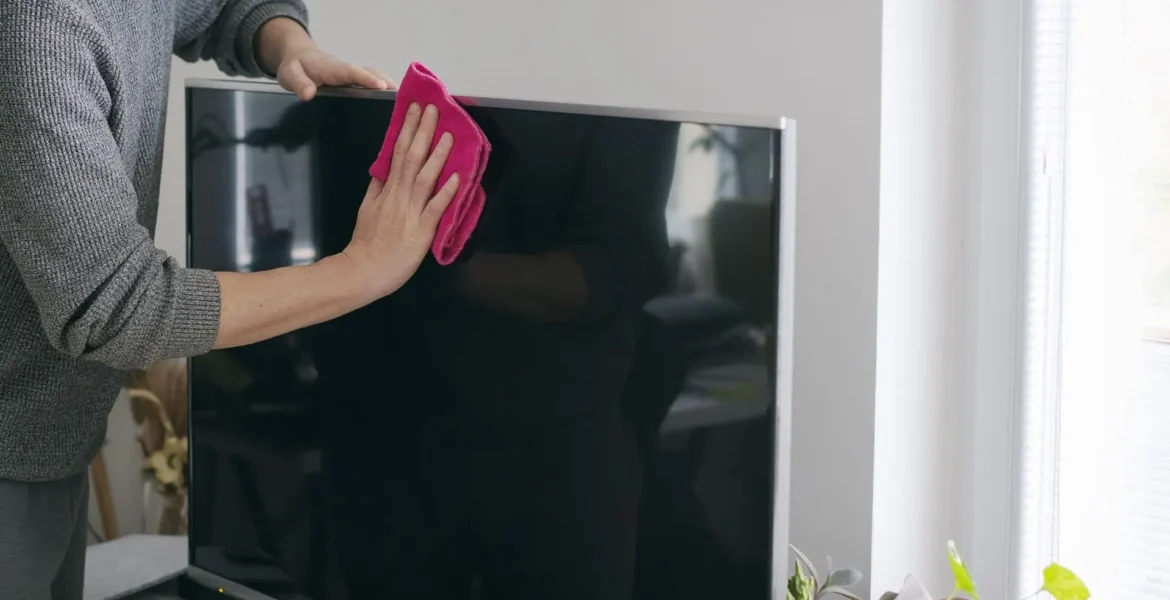
Both OLED and QLED, and regular IPS need to be wiped wisely – otherwise there will be trouble.
We are used to wiping the smartphone screen with whatever is at hand – a sleeve or the edge of a T-shirt. And if it gets away with it there, then with a TV everything is more complicated. Unlike the CRT boxes with centimeter glass that our grandmothers had under knitted napkins, modern TVs are delicate and expensive devices with a delicate screen coating that is easy to damage. An awkward movement, a too wet cloth – and scratches, streaks, cloudy spots or abrasions of the anti-glare layer will remain on the display.
To prevent this from happening, it is important to follow simple rules. No alcohol, rags and, God forbid, glass cleaner – only accuracy, microfiber and a little water. We tell you how to clean the screen correctly.
What you will need
First of all, prepare everything you need. You won’t need any special or expensive products – you can easily find everything at home or, in extreme cases, buy it at the nearest supermarket:
- A dust brush or a soft-bristled cloth;
- Two microfiber cloths;
- Distilled or filtered water;
- Mild dishwashing detergent (if needed);
- A small spray bottle (optional, but convenient).
How to clean a screen
1. Brush dust off the screen
First, of course, be sure to unplug the TV. This will be both safer and more convenient: dirt is more visible on a black background, especially in reflected light.
Take a dust brush or a soft-bristled cloth (preferably antistatic) and gently go over the entire surface of the screen with light movements without pressing. Your task is simply to remove dust, not to rub the surface.
Don’t use paper napkins, kitchen towels or any other cloth you come across – they can leave lint or, worse, scratch the screen. Screens with anti-glare coating are especially vulnerable: any damage will be visible in sunlight.
2. Remove stains and dirt
If there are no fingerprints, smudges or greasy marks on the screen, skip this step and go straight to the next one.
Make a simple solution to remove stubborn and old dirt: add 1-2 drops of mild dishwashing detergent to a glass of distilled or filtered water. No need for more, it will only complicate the process and may leave streaks.
Spray the microfiber with the solution from a spray bottle – just a couple of sprays so that it becomes damp, but not wet. And do not apply the liquid directly to the screen: water can leak into the case and cause problems with the matrix.
Gently wipe the dirty areas with soft circular motions. The main thing is not to apply excessive pressure, so as not to damage the matrix or the coating itself. Act pointwise and only where there are stains – you do not need to clean the entire screen like this.
Never use alcohol, vinegar, universal cleaning sprays or any household products “for glass” – they can and will certainly damage the delicate coating of the screen.
3. Wipe the screen with wipes
Wet the first microfiber with clean distilled water. Be sure to squeeze it out well: the fabric should only be slightly damp, not wet – no drops should flow down.
Wipe the entire surface with light movements without pressing to refresh the surface and remove residual traces. It is better to move in one direction – for example, horizontally – this helps to avoid streaks. Do not rush, but do not rub one place for too long.
Immediately after wet cleaning, go over the screen with a second, dry microfiber. This is an important step: you will remove residual moisture and thus prevent water from evaporating unevenly, leaving traces. To do this, simply gently polish the display in the same way as when cleaning.
How to keep the screen clean longer
If you don’t want to do a general cleaning of the TV every time, there are a few simple habits that will help you deal with dust and stains less often. They work better than any antistatic or other preventive chemicals.
Don’t touch the screen with your hands. One fingerprint easily turns into a greasy stain that will be visible on every dark frame.
Place the TV away from the kitchen. Grease and steam settle, no matter how powerful the hood is, especially if the device hangs opposite the stove or goes into a niche.
Wipe off dust at least once a week. A quick dry cleaning with microfiber takes a couple of minutes, but eliminates the need to do a general cleaning later.
How do you clean the screen? Share your experience in the comments – it will be useful to compare different approaches.