
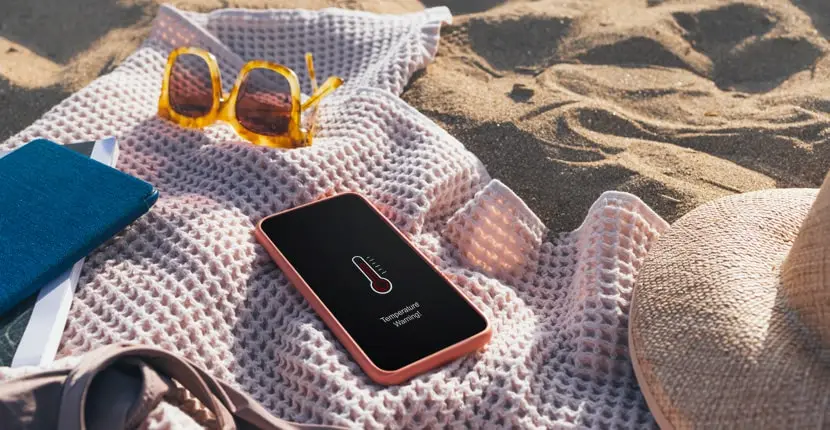
Proven ways to get your hot gadget back into working order without breaking it.
1. Remove the case
An additional layer of plastic or silicone makes it difficult to dissipate heat, so it’s better to temporarily get rid of the accessory and handle the phone a little more carefully.
2. Use a fan
Remove the gadget from the sun and place it on a flat, cool or at least not hot surface near the fan. If you only have a fan at hand, you can also use it.
You shouldn’t put your phone in the freezer or put frozen dumplings on it: a sharp change in temperature can only do harm.
3. Turn off the phone
Even if you know that the gadget has overheated due to prolonged video shooting in the heat, turning it off completely for a couple of minutes will be more effective than simply stopping filming. You can turn it on again when the case has cooled down enough.
4. Turn on power saving mode
The exact mechanics of this mode depend on the manufacturer. Usually, background app loading is limited, animations are simplified, and the display refresh rate is reduced. All this allows the gadget to better withstand the heat.
5. Turn on airplane mode
Airplane mode, also known as flight mode, disables wireless communications: mobile, Wi-Fi, GPS, Bluetooth. As a result, the smartphone stops constantly searching for a cell tower, Wi-Fi access point, or gadgets to which it can connect.
In airplane mode, you can manually activate Wi-Fi and Bluetooth if you need them, but leave the rest of the services turned off. In iOS, flight mode does not turn off Bluetooth at all, but if you are not using a paired watch or headphones, you can deactivate the function manually.
6. Use a stand
An option for those whose smartphone heats up indoors. The main thing is to choose an accessory that will have minimal contact with the back panel of the gadget. It will be easier for your smartphone to dissipate heat if its body is blown by air currents.
7. Find out the cause of overheating
If you feel that your smartphone has become hot for no apparent reason, try to find an app with high power consumption in the settings. Usually, where there is overheating, there is also a high battery consumption, so look at the “Battery” section on iPhone and something like “Battery” or “Usage time” on Android.
If the first lines in terms of power consumption are something that you rarely or not at all use, this is an alarm bell.
There is a risk that you downloaded a dubious app or gave it too much access to background data, which, coupled with the heat, led to overheating. It is better to delete such programs or at least limit their connection to services like geolocation.